Now in alpha testing

Printer management without the agents

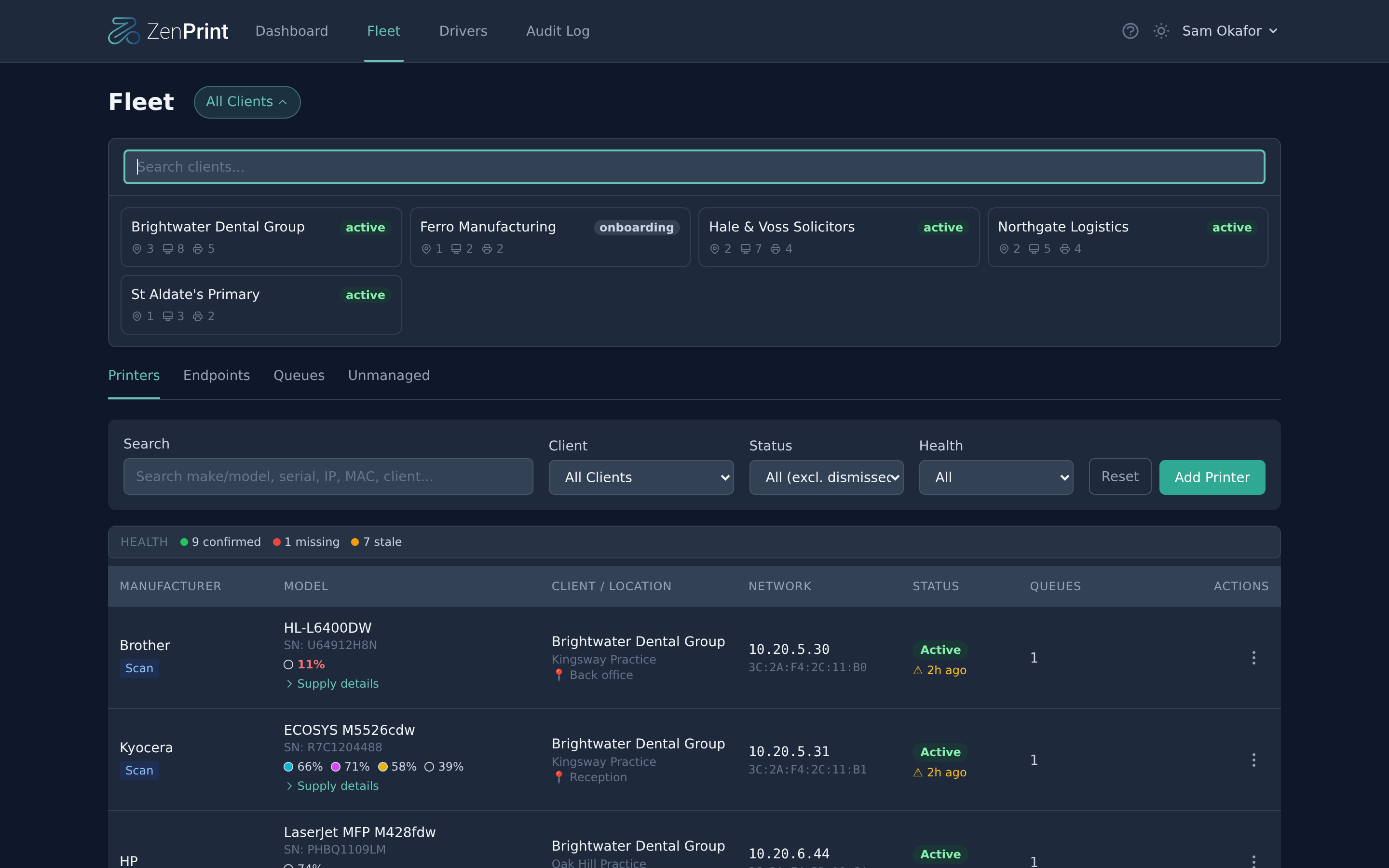
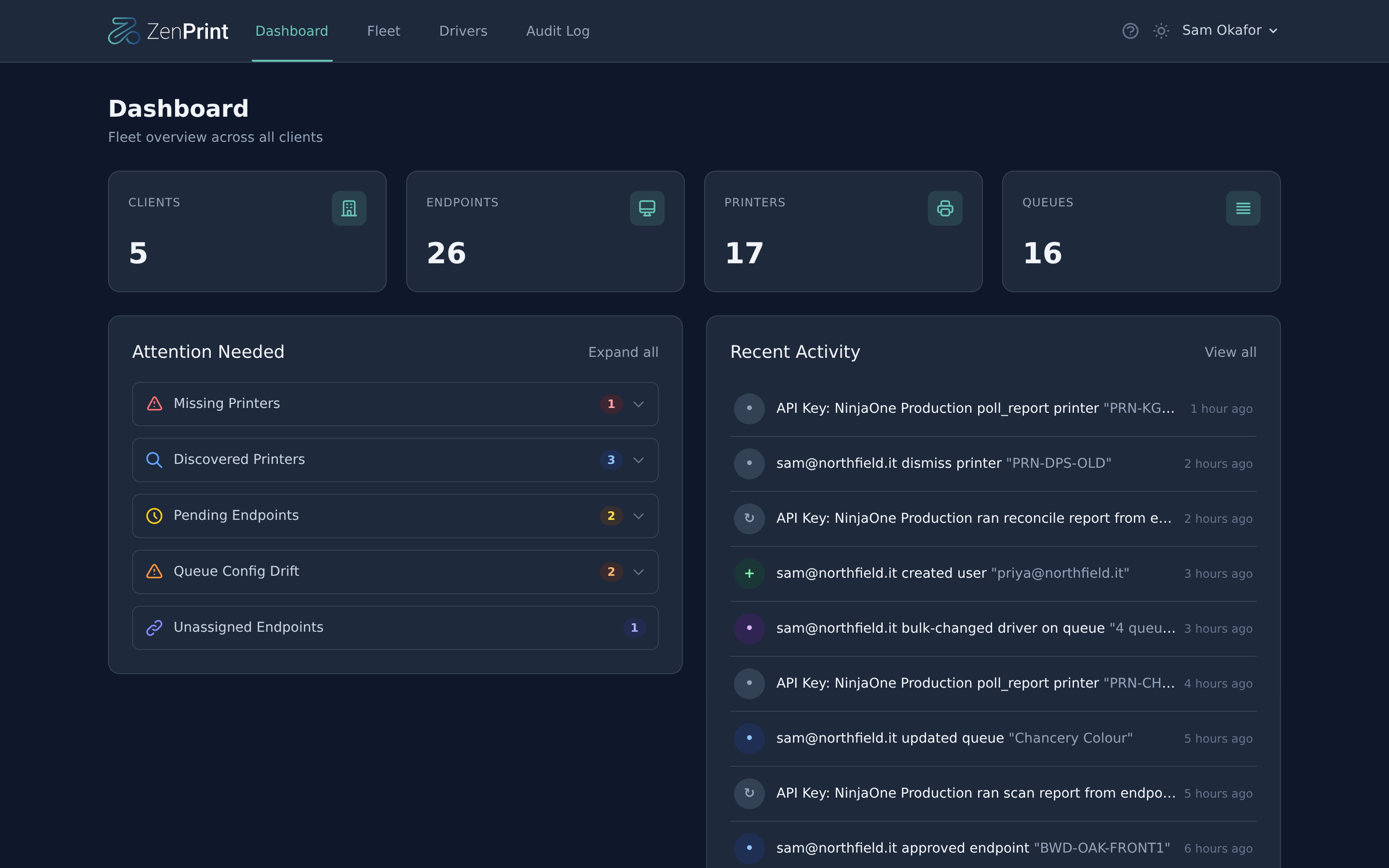
ZenPrint gives MSPs a single dashboard to discover, deploy, and manage printers across every client — using the RMM tools you already have.

Free during alpha. No credit card required.

The problem

Managing printers across dozens of clients shouldn't require another agent.

MSPs juggle printer deployments across hundreds of endpoints. You're remoting in to install drivers, manually configuring queues, and troubleshooting print issues one ticket at a time. Your RMM can run scripts on every machine — why install yet another tool?

Agentless

No software to deploy. ZenPrint runs scripts through your existing RMM — NinjaOne, Level.io, and more coming.

Single source of truth

One dashboard for every client's printers, queues, and drivers. No more spreadsheets or tribal knowledge.

Automated lifecycle

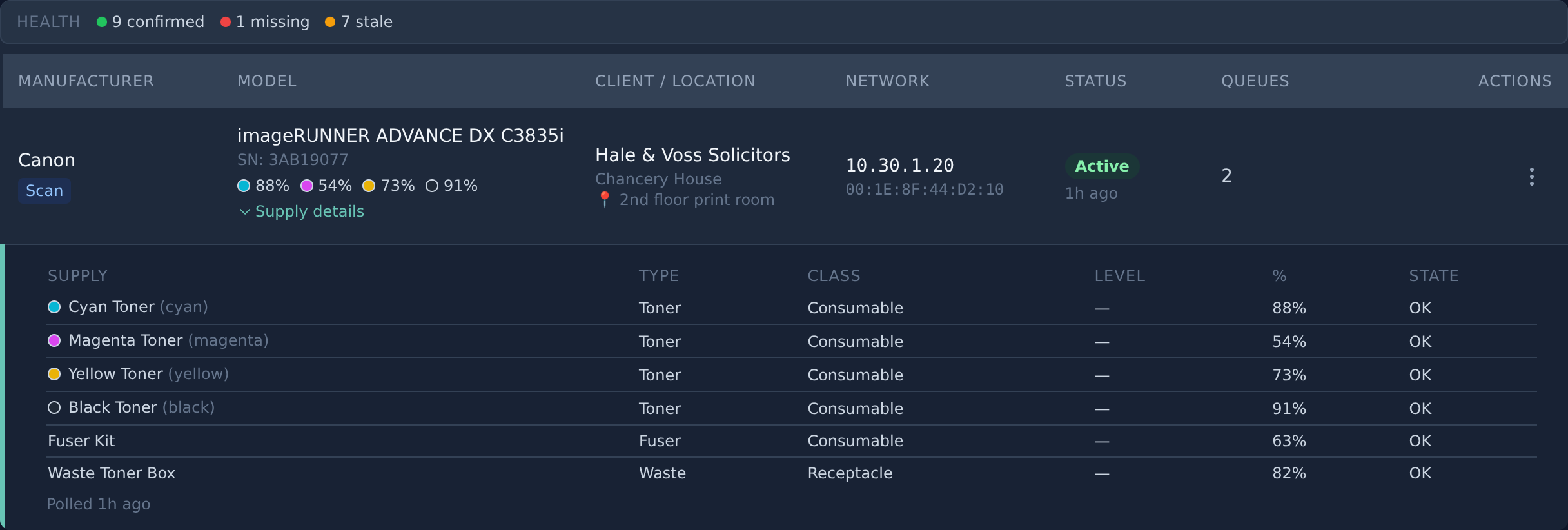
Printers are auto-discovered, drivers captured from live endpoints, and queues deployed — all on schedule.

How it works

Three steps to managed printing

1

Connect your RMM

Add a bootstrap script to your RMM. It runs on endpoints and talks to ZenPrint's API — no extra agents needed.

2

Auto-discover printers

The scan script finds printers on every network via SNMP. ZenPrint maps them to clients and locations automatically.

3

Manage & deploy

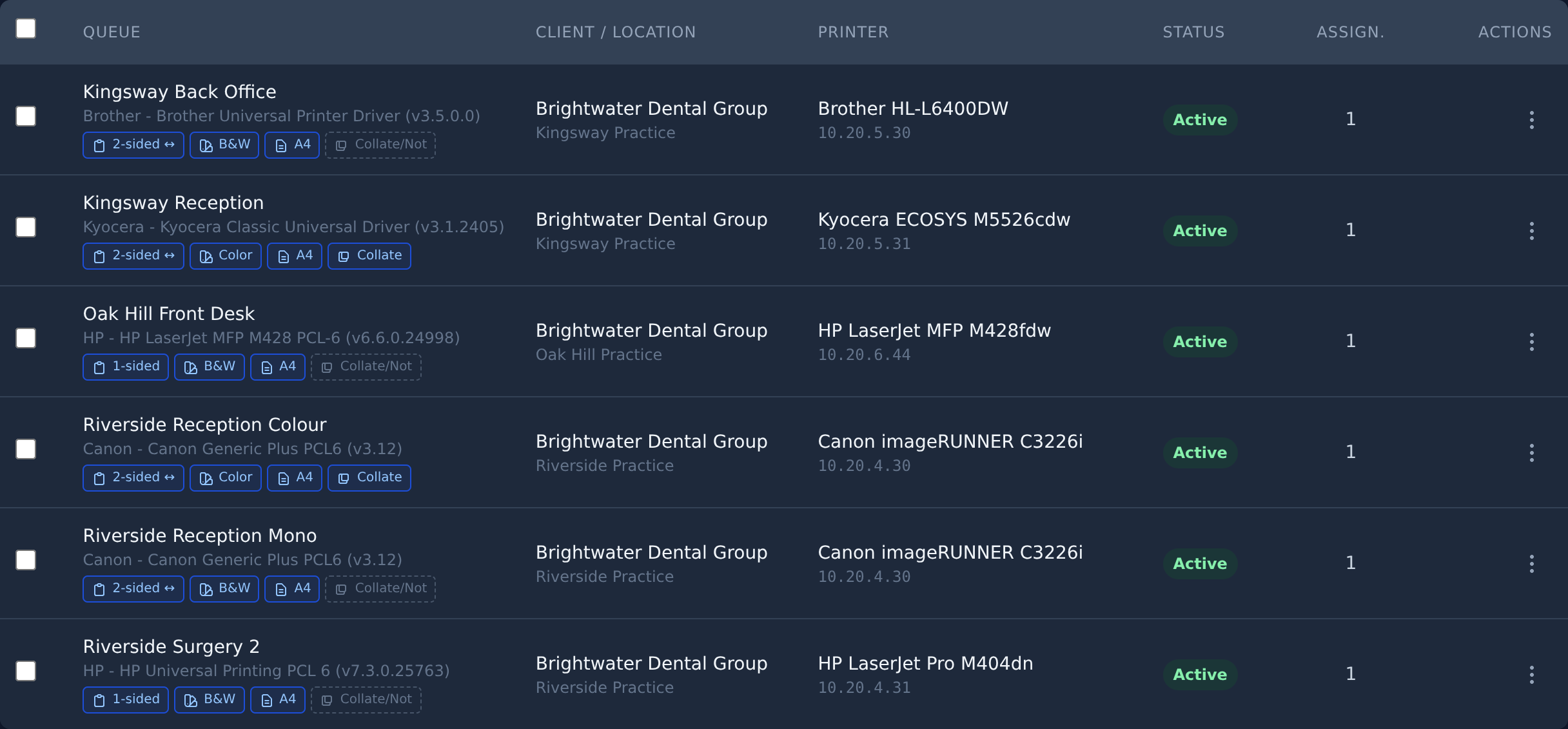
Assign print queues, capture drivers from live machines, and let the reconcile engine enforce your desired state.

Features

Everything you need to manage print at scale

Auto-discovery

SNMP-based network scanning finds printers automatically across all client sites.

Driver capture

Extract drivers directly from endpoints where printers are already working. No hunting for downloads.

Queue management

Define desired-state queues in the UI. The reconcile engine deploys and enforces them automatically.

Multi-tenant

Schema-per-tenant isolation. Manage all your MSP clients from one instance with full data separation.

Granular RBAC

Custom roles with per-resource permissions and client scoping. Control exactly who can do what.

Dark mode

Full dark mode support across the entire UI. Because you're probably managing printers at 11 PM.

Ready to simplify printer management?

Join the waitlist and be first to know when ZenPrint is ready for your MSP.